
Need to add an event to Do416 and not sure about the next steps? This page can help.
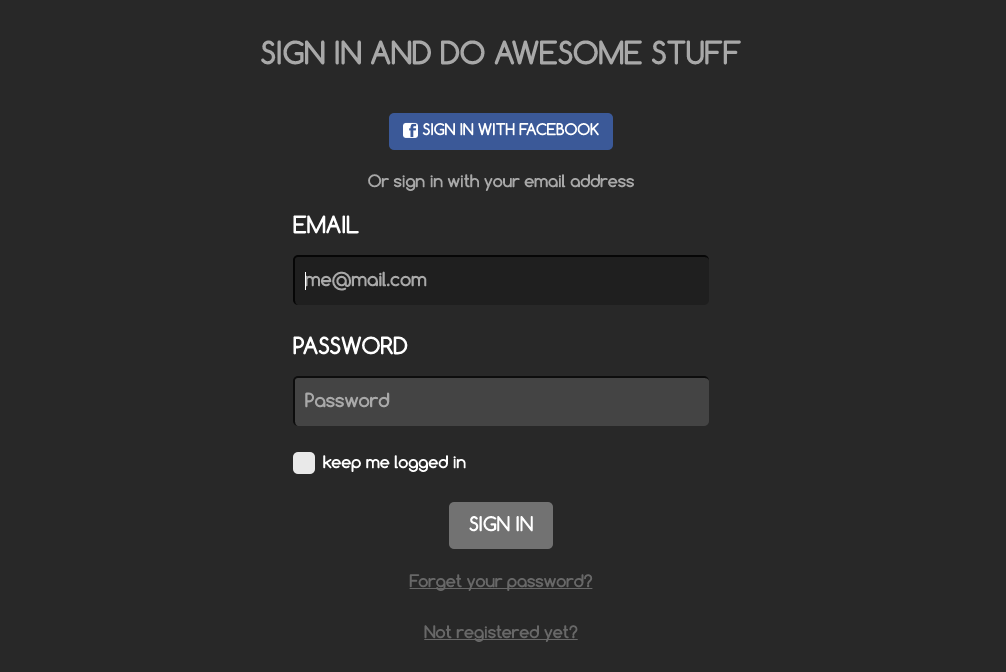
STEP 1: SIGN IN
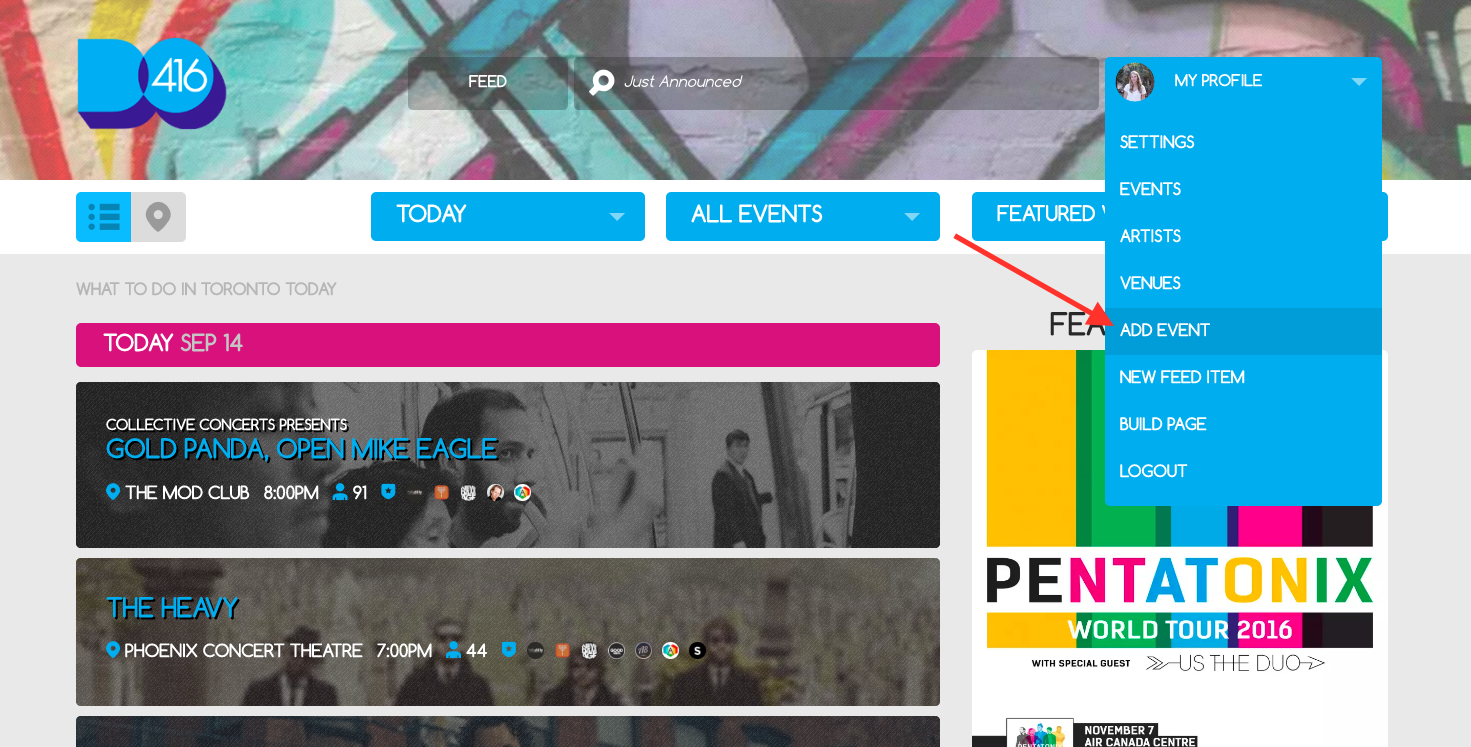
STEP 2: If you want to add an event that we don't have, click "Add Event" at the top of the homepage
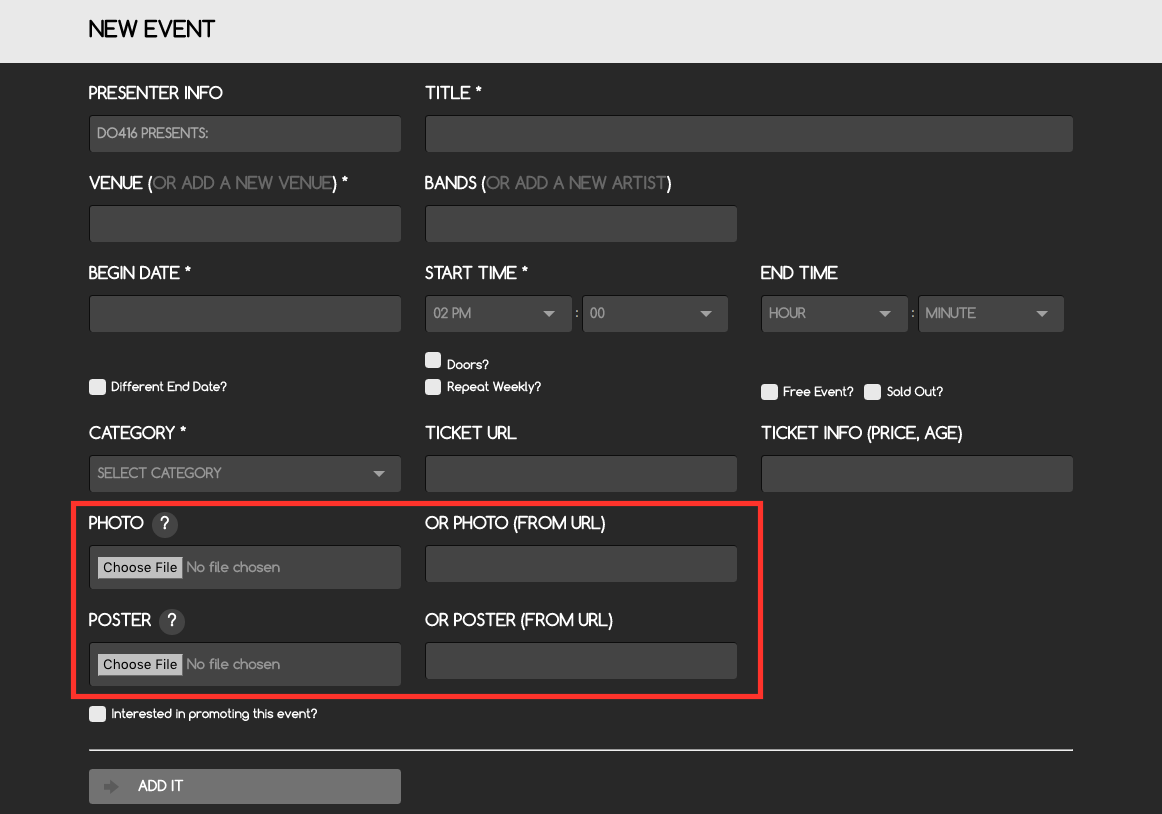
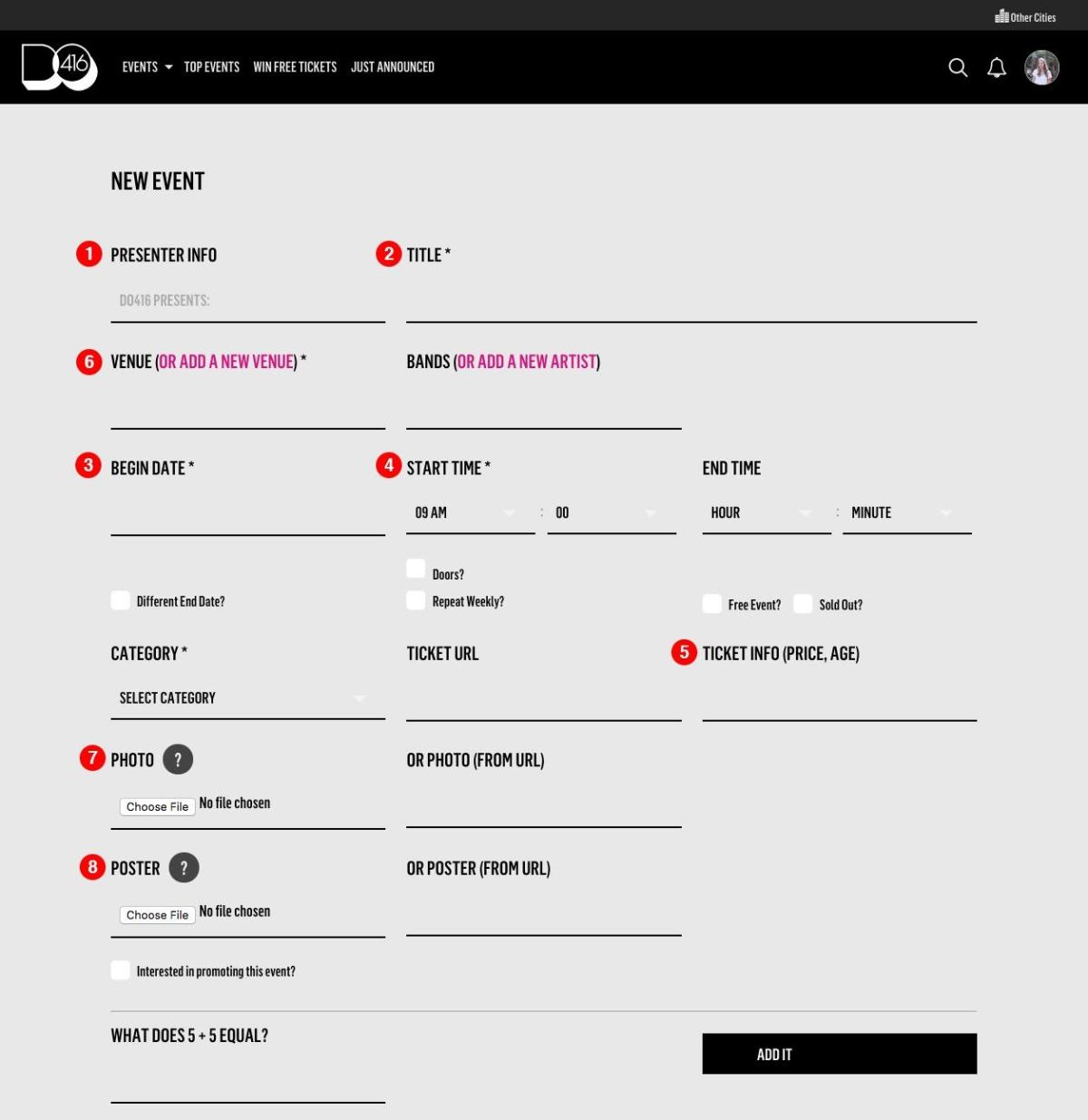
STEP 3: FILL OUT AS MUCH INFORMATION AS YOU CAN - DO NOT FORGET TO INCLUDE CATEGORY, WHETHER OR NOT THE EVENT IS REPEATING OR EXTENDS INTO ANOTHER DAY, AND ADD A PHOTO
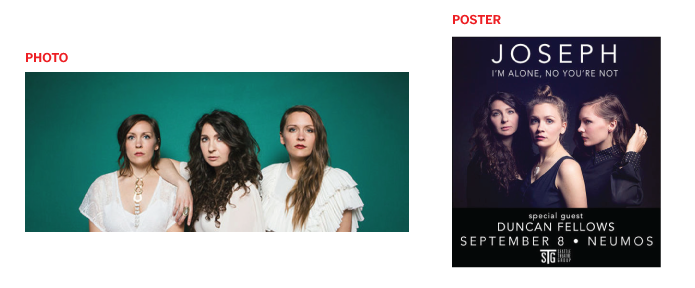
*NOTE* Please don't add a photo with text in it (like a show or event poster) to the main photo slot or we may have to replace it. Please place a text-free image in that upload area and all images with text (like posters) into the poster upload area.
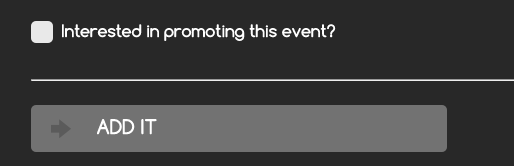
Also - at the bottom, there's a place to check "Interested in promoting this event?" - please only check this box if you're interested in advertising or partner promotions (or just really want an email from us.)
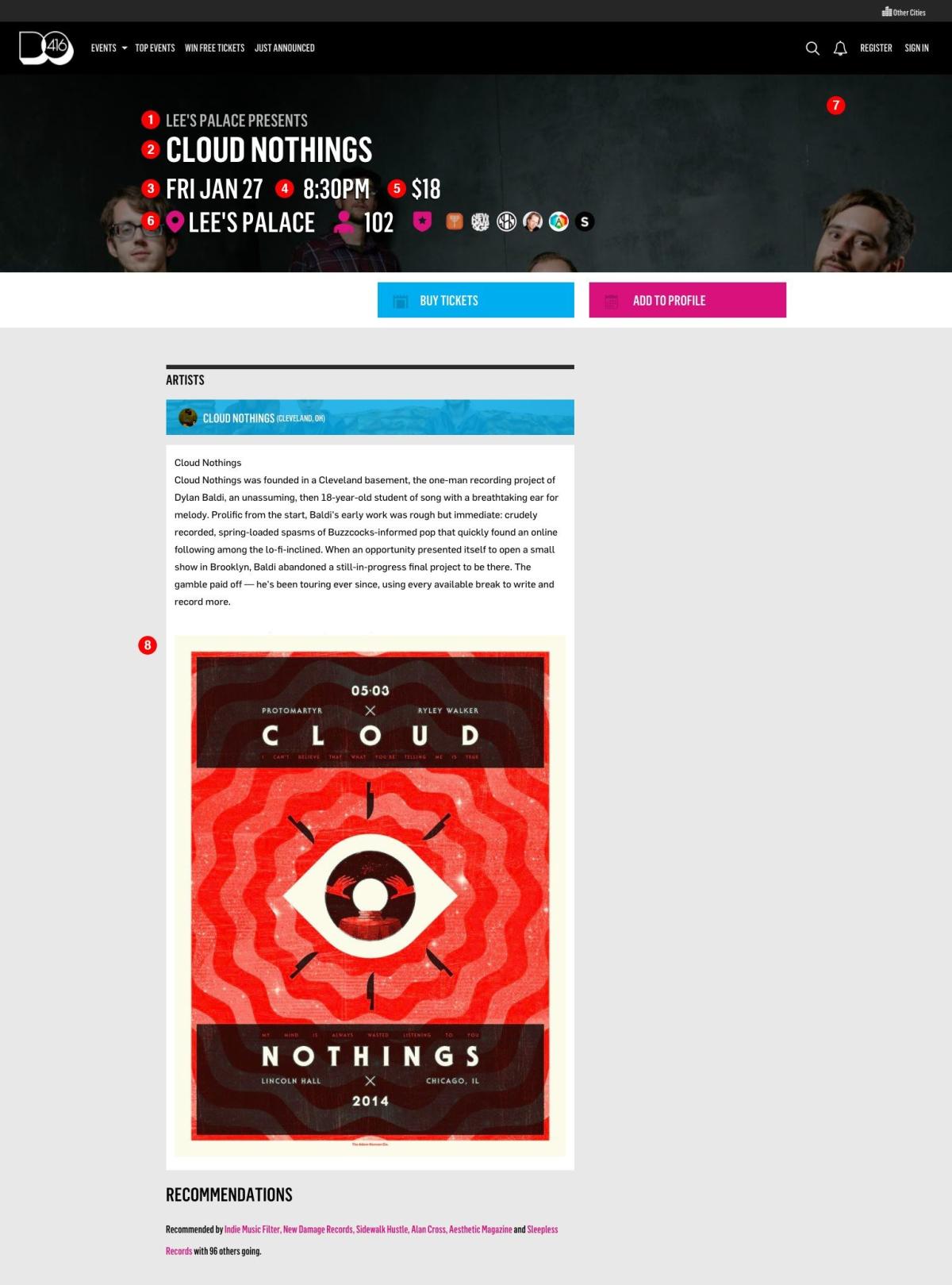
Here's how all of the components of this form appear on the front end of the site:
STEP 4: ALMOST DONE! ALL YOU HAVE LEFT TO DO IS ADD AN EVENT DESCRIPTION
Make sure to click "Save" once you've typed it all

STEP 5: ADMIRE YOUR EVENT - AND ADD IT TO YOUR CALENDAR!
CHECK OUT YOUR PROFILE TO SEE ALL OF THE EVENTS YOU'VE ADDED (MAKE SURE TO CLICK THAT "ADD TO PROFILE" BUTTON IF YOU'VE JUST ADDED AN EVENT FROM SCRATCH YOU WANT ON YOUR PROFILE.
QUESTIONS, COMMENTS, OR FUNNY GIFS? EMAIL US!